


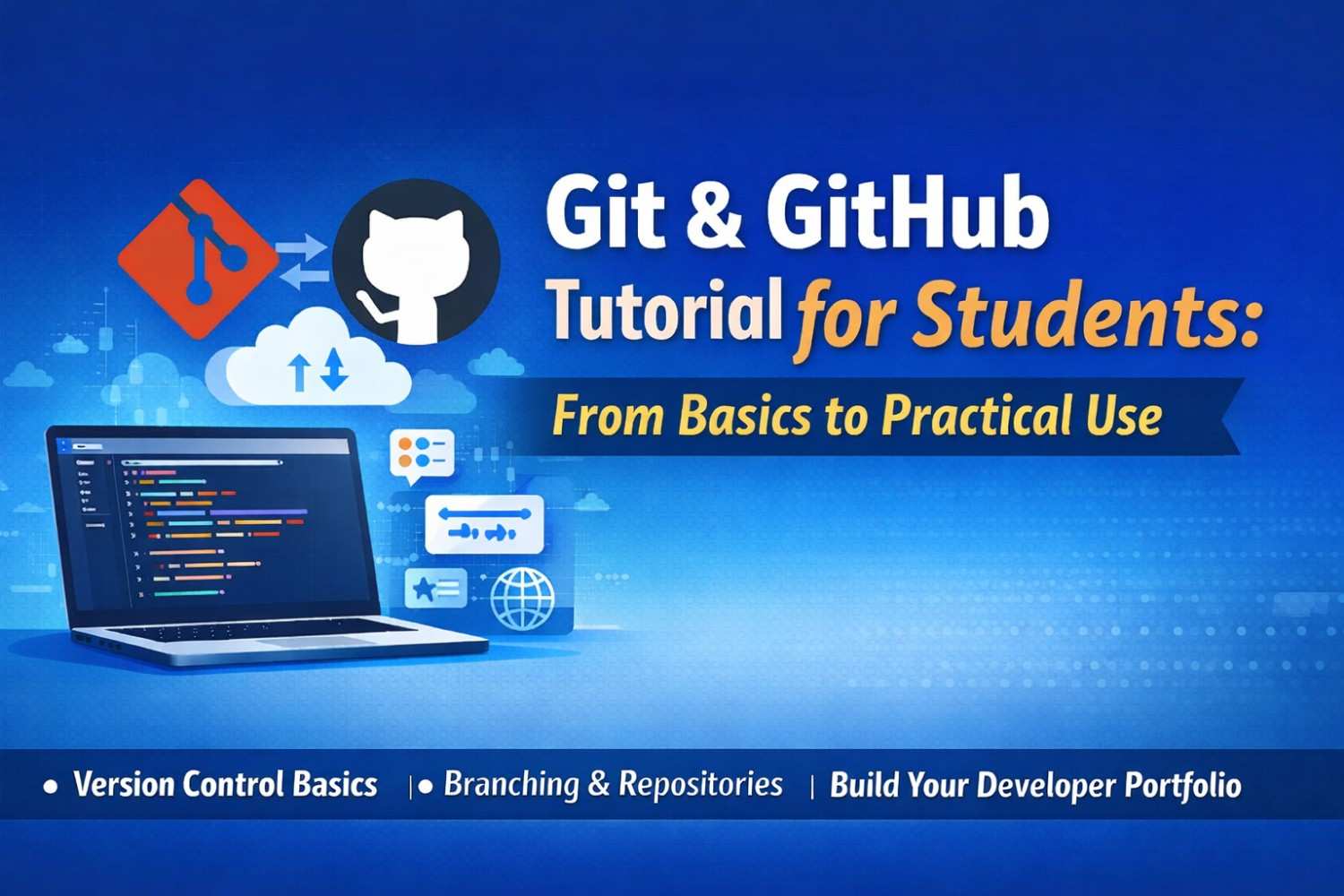
In today’s software industry, knowing how to write code is not enough. Every developer is expected to understand version control systems — and the most widely used tool is Git. Platforms like GitHub make collaboration, portfolio building, and project management easier for students and professionals alike.
At Synarion Academy, we ensure students not only learn programming languages but also master industry tools like Git and GitHub that are essential for real-world development.
What is Git?
Git is a distributed version control system that helps developers track changes in their code. It allows you to:
-
Save different versions of your project
-
Track who made changes and when
-
Revert back to previous versions if needed
-
Collaborate with multiple developers on the same project
Instead of manually saving files like project_final_v2_latest_real_final, Git manages versions efficiently and professionally.
What is GitHub?
GitHub is a cloud-based platform that hosts Git repositories. While Git works locally on your system, GitHub stores your code online.
With GitHub, students can:
-
Backup projects online
-
Collaborate with team members
-
Showcase projects to recruiters
-
Contribute to open-source projects
Your GitHub profile acts as a technical resume for companies.
Why Students Must Learn Git & GitHub
1. Industry Requirement
Almost every IT company uses Git for version control. Whether you become a Flutter developer, PHP developer, or full-stack engineer, Git knowledge is mandatory.
2. Better Project Management
Students working on academic or internship projects can manage features using branches without disturbing the main code.
3. Strong Portfolio
Recruiters often ask for GitHub profiles. A well-maintained GitHub account increases your job selection chances.
4. Team Collaboration Skills
Git teaches real-world collaboration. You learn how teams manage code together.
Important Git Commands Every Student Should Know
Here are some basic commands beginners should practice:
-
git init– Initialize a new repository -
git add .– Add files to staging area -
git commit -m "message"– Save changes -
git status– Check file status -
git branch– Create branches -
git merge– Merge changes
Learning these commands builds a strong foundation.
Understanding Branches in Simple Terms
A branch is like creating a copy of your project to work on new features safely. For example:
-
Main branch → Stable version
-
Feature branch → New functionality
Once tested, the feature branch merges into the main branch. This prevents breaking the main code.
How GitHub Helps in Career Growth
-
Build public repositories
-
Document your projects properly
-
Contribute to open-source
-
Showcase internship work
-
Share project links in resumes
Many hiring managers review GitHub activity before interviews.
Common Mistakes Students Should Avoid
-
Uploading incomplete projects
-
Not writing README files
-
Irregular commits
-
Ignoring proper folder structure
-
Copy-pasting code without understanding
Consistency matters more than quantity.
How Synarion Academy Teaches Git & GitHub
At Synarion Academy, students:
-
Work on live projects using Git
-
Learn branching strategies
-
Practice team collaboration
-
Maintain structured repositories
-
Build professional GitHub portfolios
We focus on practical implementation rather than only theory.
Final Thoughts
Git and GitHub are not optional skills anymore — they are fundamental tools for every aspiring developer. Starting early gives students a strong competitive advantage.
If you want to build industry-ready skills and become job-ready with practical experience, learning Git & GitHub is the first step toward professional software development.