


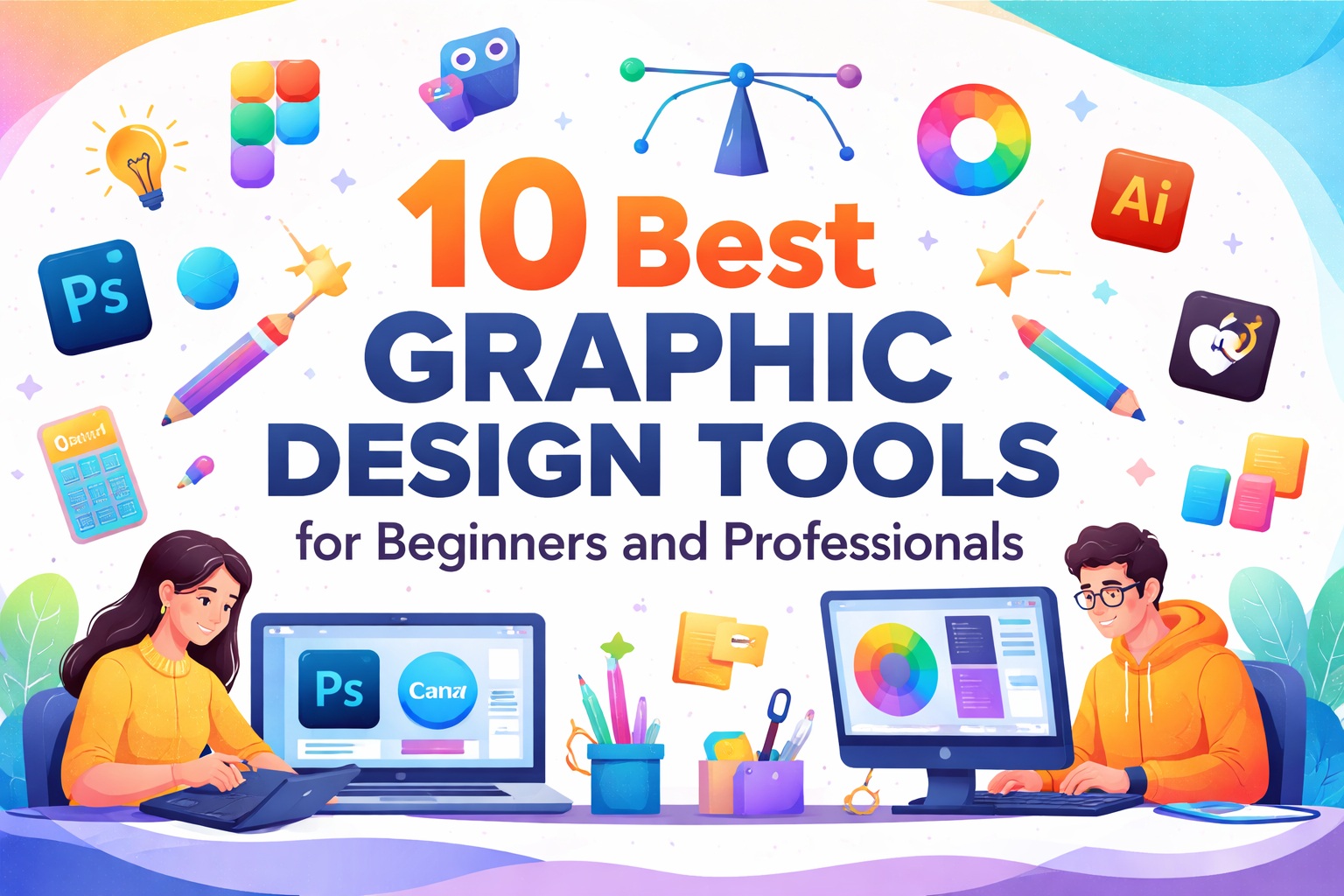
Graphic design has become an essential skill for businesses, creators, and marketers alike. Whether you are just starting your design journey or you’re a seasoned professional looking for powerful tools, choosing the right graphic design software can significantly impact your creativity and productivity. In this guide, we explore the best graphic design tools for beginners and professionals, highlighting their features, ease of use, and ideal use cases to help you make an informed decision.
Key Factors to Consider When Selecting a Graphic Design Tool
Choosing the right graphic design tool depends on more than just popularity or price. Ease of use is crucial, especially for beginners who need intuitive interfaces and ready-made templates. Professionals, on the other hand, should look for advanced features such as layer control, vector editing, and integration with other design or development tools. Performance, file compatibility, collaboration options, and scalability are also important factors to consider. A good graphic design tool should match your skill level, support your workflow, and allow room for growth as your design needs evolve.
10 Best Graphic Design Tools for Beginners
Starting with the right tools can make graphic design easier, faster, and more enjoyable for beginners. These tools are designed with simple interfaces, ready-made templates, and drag-and-drop features that help users create professional-looking designs without advanced technical skills. Below are ten of the best graphic design tools for beginners, each offering unique strengths for different design needs.
1. Canva
Canva is one of the most popular graphic design tools for beginners. It offers thousands of pre-designed templates for social media posts, presentations, posters, and more. With its drag-and-drop interface, even non-designers can create visually appealing graphics in minutes.
2. Adobe Express
Adobe Express is a simplified design tool from Adobe, ideal for beginners who want professional-quality results. It provides ready-to-use templates, basic photo editing tools, and easy branding options without the complexity of full Adobe software.
3. Figma
Figma is a browser-based design tool that’s easy to learn and perfect for beginners interested in UI and web design. Its real-time collaboration feature allows teams to work together smoothly, making it a great choice for students and startups.
4. Pixlr
Pixlr is a lightweight photo editing tool suitable for beginners who want quick edits without installing heavy software. It offers essential editing features like cropping, filters, and overlays, making it ideal for basic image design tasks.
5. Gravit Designer
Gravit Designer is a simple vector design tool that works both online and offline. Beginners can use it to create logos, icons, and illustrations with an easy-to-understand interface and essential vector tools.
6. Snappa
Snappa is designed for quick and hassle-free graphic creation, especially for social media and marketing visuals. It includes pre-sized templates and built-in stock photos, allowing beginners to design without worrying about dimensions or layouts.
7. VistaCreate
VistaCreate (formerly Crello) is a great Canva alternative for beginners. It offers animated templates, design elements, and an intuitive editor, making it easy to create engaging visuals for social media and ads.
8. Inkscape
Inkscape is a free, open-source vector design tool ideal for beginners willing to learn basic design concepts. It’s especially useful for logo design and illustrations without any cost barrier.
9. GIMP
GIMP is a powerful free image editing tool that works well for beginners transitioning into advanced photo editing. While it has a learning curve, it offers many professional-level features similar to paid software.
10. DesignWizard
DesignWizard is a beginner-friendly graphic design platform focused on fast design creation. It offers customizable templates and a simple editing experience, making it ideal for small businesses and content creators.
Final Words
For beginners, the best graphic design tool is one that feels easy and encourages creativity without overwhelming features. Starting with simple tools and gradually exploring more advanced options helps build confidence and design skills over time.
Frequently Asked Questions (FAQs)
Q1. Which graphic design tool is best for beginners?
Canva is widely considered the best graphic design tool for beginners due to its drag-and-drop interface, ready-made templates, and ease of use.
Q2. Are free graphic design tools good enough for beginners?
Yes, free tools like Canva (free version), GIMP, and Inkscape are excellent for beginners to learn basic design skills before moving to paid software.
Q3. Do beginners need professional tools like Adobe Photoshop?
Not initially. Beginners should start with simpler tools and upgrade to professional software like Photoshop or Illustrator once they’re comfortable with design fundamentals.
Q4. Can one graphic design tool work for both beginners and professionals?
Yes, tools like Figma, Canva Pro, and Adobe Express offer scalable features suitable for both beginners and professionals.
Q5. What features should beginners look for in a graphic design tool?
Beginners should focus on ease of use, templates, drag-and-drop functionality, basic editing tools, and cloud access.
Q6. Is graphic design possible without technical skills?
Absolutely. Modern graphic design tools are built to help non-designers create high-quality visuals without any technical background.
Q7. Should beginners learn vector or photo editing first?
It depends on the goal. For logos and illustrations, vector tools are better, while photo editing tools are ideal for image-based designs and social media graphics.